Last Updated:



If mobile network suddenly disappears on hilly roads and you lose your way, panic can increase. Dense forests, deserted roads and rapidly falling dusk make the situation more difficult. At such times, some small precautions are very important for your safety. Know how to use GPS when there is no network, how to save phone battery and how to stay safe with the help of SOS.
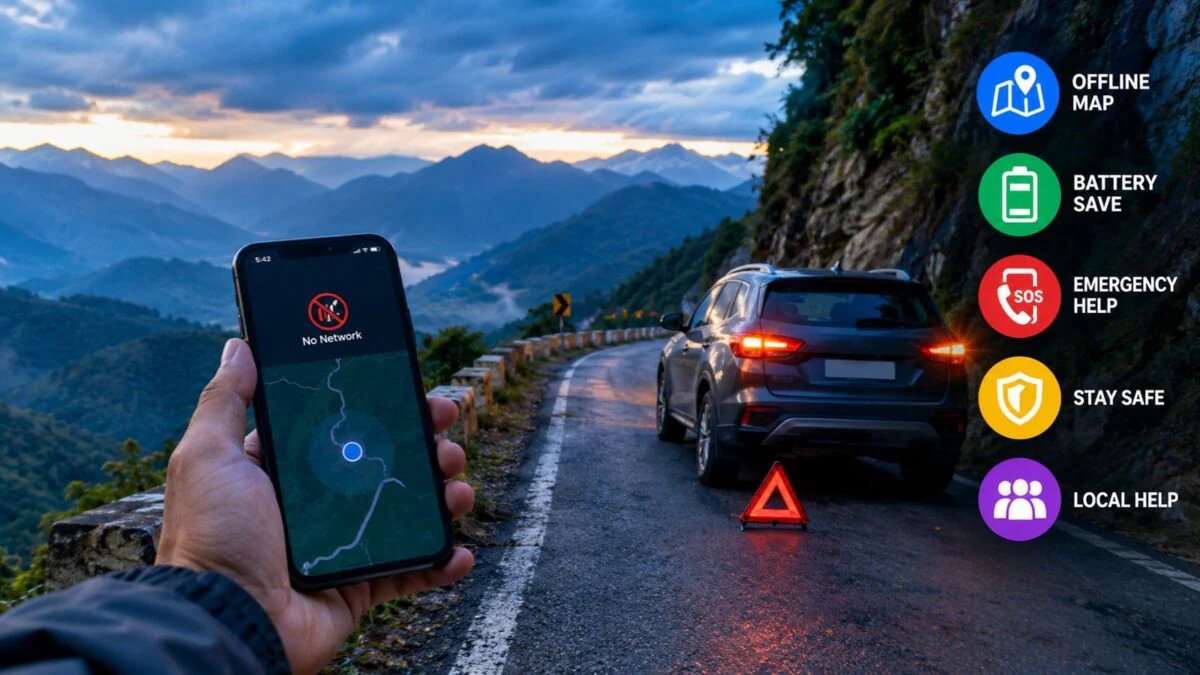
If you lose your way while driving in the mountains, then do these 5 things.
It is very difficult to lose your way while traveling on hilly roads. Especially when the mobile network disappears completely, it becomes more problematic. It is normal to suddenly not get signal in dense forests, sharp turns and steep roads. In such a situation, even the GPS of the smartphone does not work and you feel completely alone. Cold wind, increasing darkness and no help around increase the panic. Sometimes the battery also drains quickly because the phone consumes more power in cold.
Stopping the vehicle on the roadside is also risky because the mountain roads are narrow and trucks or buses come fast. In such a situation, the only way out is to remain calm, ensure your safety and use the available resources wisely. With proper preparation and knowing some basic tips, you can not only stay safe but also find the right path quickly. Let us know what should be done in such a situation.
Remain calm and assess the situation
The first thing to do when you lose your way is to stay calm. Nervousness reduces the ability to think and may lead to wrong decisions. Stop the vehicle at a safe place, switch off the engine and take a deep breath. Note nearby signs, pole numbers or any landmarks. Check your battery and network. If it’s night, make your presence clear by turning on your lights so other vehicles can see you. These steps help keep you in control.
Adopt offline maps and battery saver
When there is no network, pre-downloaded offline maps are most useful. Save the map of the area in Google Maps and check your position by turning on location. To save battery, set low power mode and close non-essential apps. Keep screen brightness low. Sometimes old maps or paper maps also prove helpful. These small steps can take you in the right direction and prevent your phone from shutting down quickly.
Use emergency numbers and SOS features
SOS feature works in many phones even when the network is weak in the mountains. Try calling 112 or send an SMS. If you see even a little signal then share your location. Save the numbers of local police or tourism helplines in advance. Make only important calls to save battery. This contact can give you both safety and information about the right path. Don’t panic.
Take full care of safety
Install reflectors or warning lights while stopping the vehicle on the roadside. Keep doors locked and be cautious while talking to strangers. If someone offers help, do not let them sit in your car. Keep water, blankets and some food items with you. Do not walk out alone at night. These precautions prevent accidents or people with ill intentions and ensure your safety.
seek help wisely from local people
If you meet a shop, dhaba or villager nearby, ask politely for directions. Remember the number plate of your vehicle and give brief information. Take special care when you are with women or children. After getting help, definitely say thank you. This method is not only helpful in finding the way, but also builds good relations with the local people.
About the Author

Ram Mohan Mishra is an active journalist in the automotive world of digital media and has been working continuously in the field of auto journalism since 2021. Presently he is handling the auto desk of News18 Hindi as Senior Sub-Editor.
read more