
Last Updated:



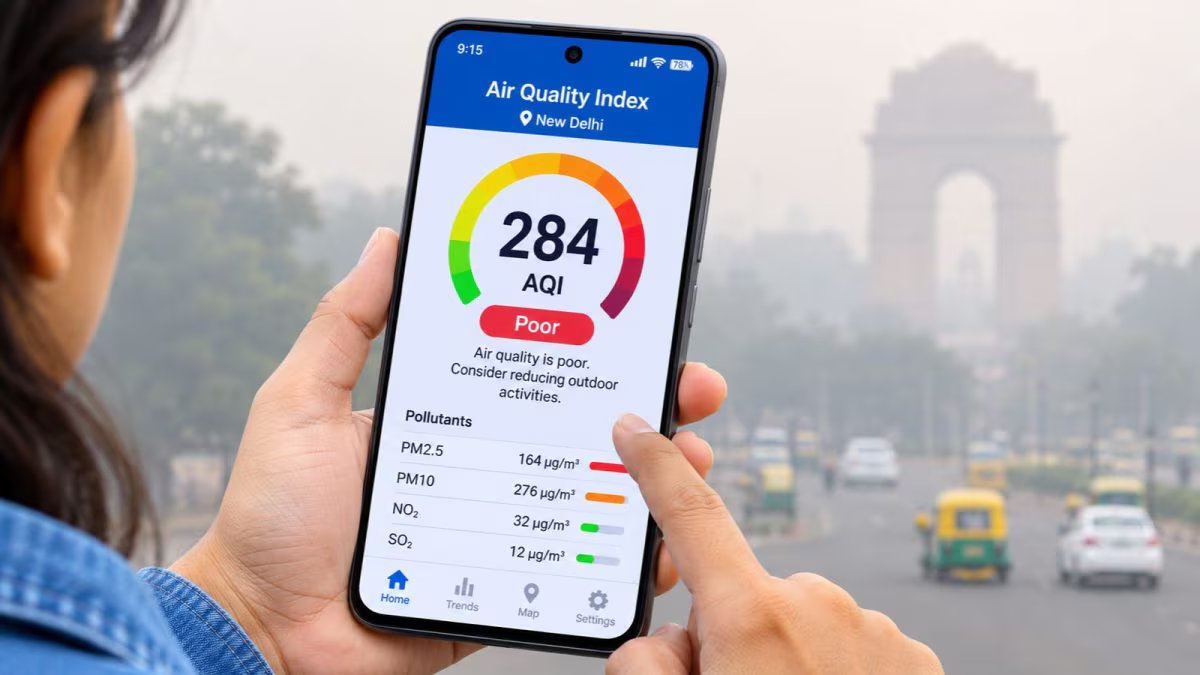
After Diwali, the level of air pollution has increased in many cities. In such a situation, it is important to check the air quality i.e. AQI of your area before leaving the house. For this you do not need any expensive machine. Apart from CPCB’s SAMEER app and website, you can also get air quality information with the help of Google Maps, IQAir and AQI.in on your smartphone. Know how to check AQI on these platforms and what is the meaning of the AQI number appearing between 0 to 500.
The level of air pollution increases significantly in many cities after Diwali. The air has become quite poisonous. In such a situation, it is important to know what is the quality of the air you are breathing. It is not easy to estimate the pollution present in the air by looking outside, but you can check the AQI of your area in a few minutes with the help of your smartphone.
No special machine is required for this. Apart from CPCB’s SAMEER app and website, platforms like Google Maps, IQAir and AQI.in also provide air quality information.
How to check AQI with SAMEER app- SAMEER app has been prepared by the Central Pollution Control Board (CPCB). Through this app, air quality can be detected in different cities of the country. Download it from Google Play Store or Apple App Store. After opening the app, select your location. After this, the AQI of the nearby air quality monitoring stations will be visible. The levels of pollutants like PM2.5 and PM10 can also be seen here.
Add News18 as
Preferred Source on Google
Information will be available from CPCB website- If you do not want to install any new app in the phone, then you can also check AQI by visiting CPCB website. After opening the website, select the name of your city or area. Here, information about air quality will be available on the basis of data from different monitoring stations.
View air quality on Google Maps- Air Quality feature is also available in Google Maps. For this, open the app and tap on the Layers option given above. By selecting Air Quality layer here, AQI of different areas will be visible on the map. With this, you can know the condition of the surrounding air before leaving the house.
IQAir and AQI.in will also be useful – You can search the name of your city or area by visiting IQAir’s website or app. Here along with AQI, other information related to pollution is also available. Similarly, by entering the name of the city on AQI.in, the level of air pollution and air quality of different areas can be compared.
What do AQI numbers mean? The level of AQI in India can be understood like this: 0-50: Good, 51-100: Satisfactory, 101-200: Moderate, 201-300: Poor, 301-400: Very bad. 401-500: Critical.
The lower the AQI, the cleaner the air is considered. If AQI is high in your area, then be careful while going out. Especially children, elderly and people with respiratory problems should try to avoid polluted air.