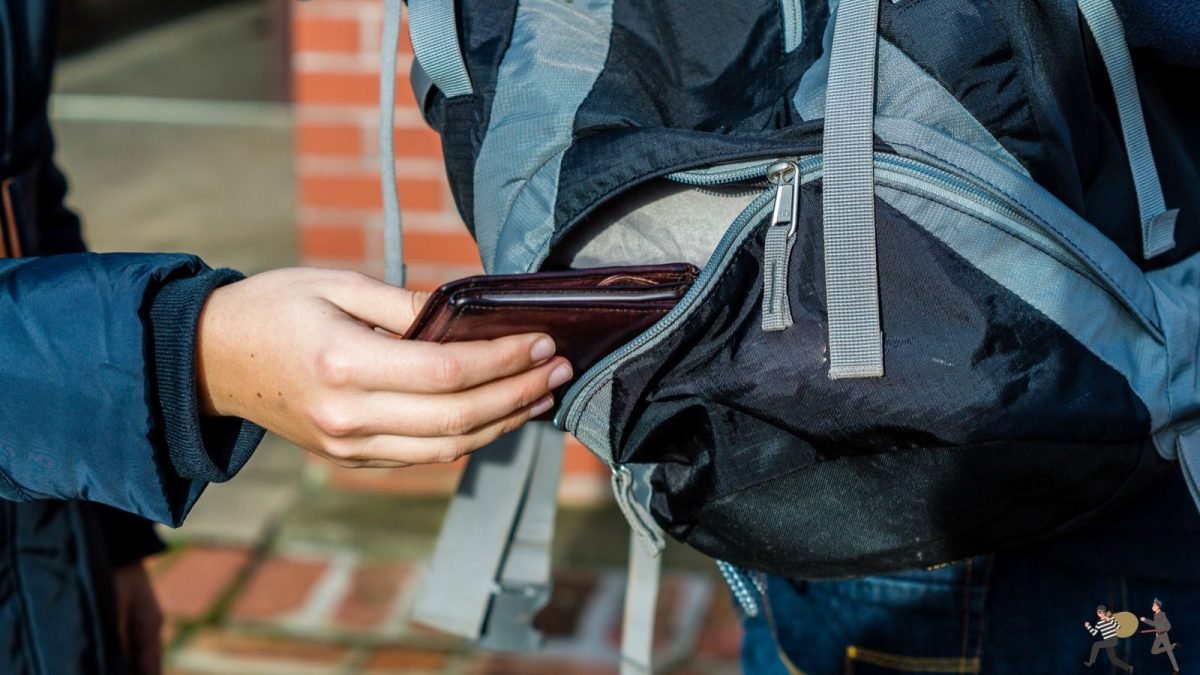
Phone theft has become a very common thing these days. The phone disappears from the pocket, bag or kept somewhere. The thief runs away with the phone and first tries to switch it off so that it cannot be tracked.


But if you have already turned on some special settings, then the thief will not be able to switch off the phone easily and sometimes he returns the phone himself. Because the phone starts looking useless. Here are three easy settings, which you should turn on right now.
Setting 1- The first and most important setting is to turn on Find My Device. Android phones have this facility linked to Google account. Go to Settings and turn on ‘Find My Device’ in ‘Google’ or ‘Security’. With this you can find your lost phone from another phone or computer.
You can view the location, remotely lock, ring or erase data. When the thief sees that the phone is being tracked and locked, he gets scared and sometimes leaves or returns the phone.
Setting 2- The second setting is to strengthen the screen lock. Don’t just keep swipes or simple patterns. Enter at least 6 digit PIN or strong password. In many phones, when the screen is locked, even pressing the power button does not turn off the phone, but instead asks for the PIN.
Due to this the thief is not able to switch off the phone immediately. The phone remains powered on and connected to the network, allowing Find My Device to work. Keep the PIN along with biometric (fingerprint or face unlock) so that backup security is maintained.
Setting 3- The third setting is to put a PIN lock on the SIM card. Go to ‘Security’ or ‘SIM card lock’ option in the phone’s settings and turn on the SIM PIN. Once it is on, the PIN will be asked every time you switch on the phone or use the SIM. Even after removing the SIM, the thief will not be able to insert it into another phone easily.
This reduces the value of the phone and the thief feels that the phone is no longer worth selling. The result is that many thieves throw such phones in the garbage or leave them, which you can later find.
It does not take even five-ten minutes to set these three settings. Once installed, the security of the phone increases significantly. Don’t panic if it gets stolen. Immediately open Find My Device from another device, lock the phone and check the location. Also file a complaint with the police.
Remember, no one setting gives a 100% guarantee, but all three together make it more difficult for a thief. The phone seems useless, gets tracked and cannot be used easily. Therefore, check these settings today and turn them on. A little caution can save both your expensive phone and personal data. Stay safe and adopt these easy methods.