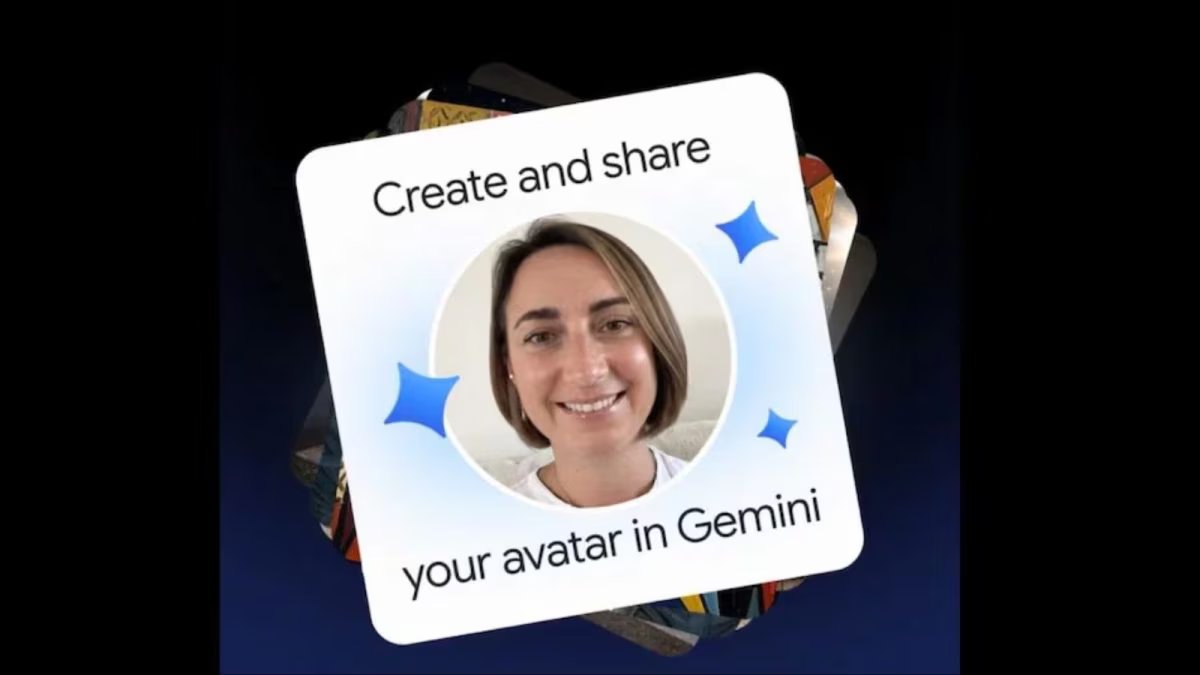
Google has introduced Personal Avatar feature for Gemini users. With its help, users will be able to create an AI avatar with their own look and voice and generate photos and videos from it. Not only this, they can also share their avatar with friends, family members and others.



After this, those people will also be able to use that avatar in their AI creations. However, for this, permission of the avatar owner will be required.
How will the Gemini Personal Avatar feature work?
Google’s new Personal Avatar feature allows users to create AI content with their own identity. For this, the company has used Nano Banana for image generation and Gemini Omni for video making.
This feature lets users combine their photo and voice avatars with friends, family members or colleagues into a single AI image or video. If any other person also wants to use your avatar in his creation, he will have to take permission from you first.
According to Google, to share the avatar, the user will have to send an invitation to the Gmail address of the person concerned. The person in front will have to accept this invitation. Only after this will he be able to use that avatar in his AI photos and videos.
You will get complete control over sharing your avatar.
Google has also given options to manage privacy and permissions in this feature. The owner of the avatar can go to Gemini’s settings and decide to whom to give access to his avatar and for how long this permission will last.
If the user wishes, they can set an expiry date for the avatar’s access or can withdraw the permission at any time. After removing the permission, another person will not be able to create new content from that avatar. However, this will not affect the photos and videos already created.
Who can use this feature?
Currently, the Gemini Personal Avatar feature is available to users aged 18 years or older who have a personal Google Account. Currently it supports only English language. Apart from this, this feature is not available in Britain, European Economic Area (EEA) and Switzerland.
It is worth noting that to create a video through Personal Avatar, Google AI plan will be required.
Create your personal avatar like this
To create their avatar, users must first record their face and voice. It can be started from computer. After this, recording can be completed on mobile or tablet by scanning the QR code visible on the screen.
Google has advised recording in a quiet place and with good lighting for better results. The face should be clearly visible during recording.
If users wish, they can delete the avatar and the selfie and voice recording associated with it from the settings of their Google Account. However, doing this will not delete already created or published photos and videos. To use this feature again, a new avatar will have to be recorded.