
Last Updated:



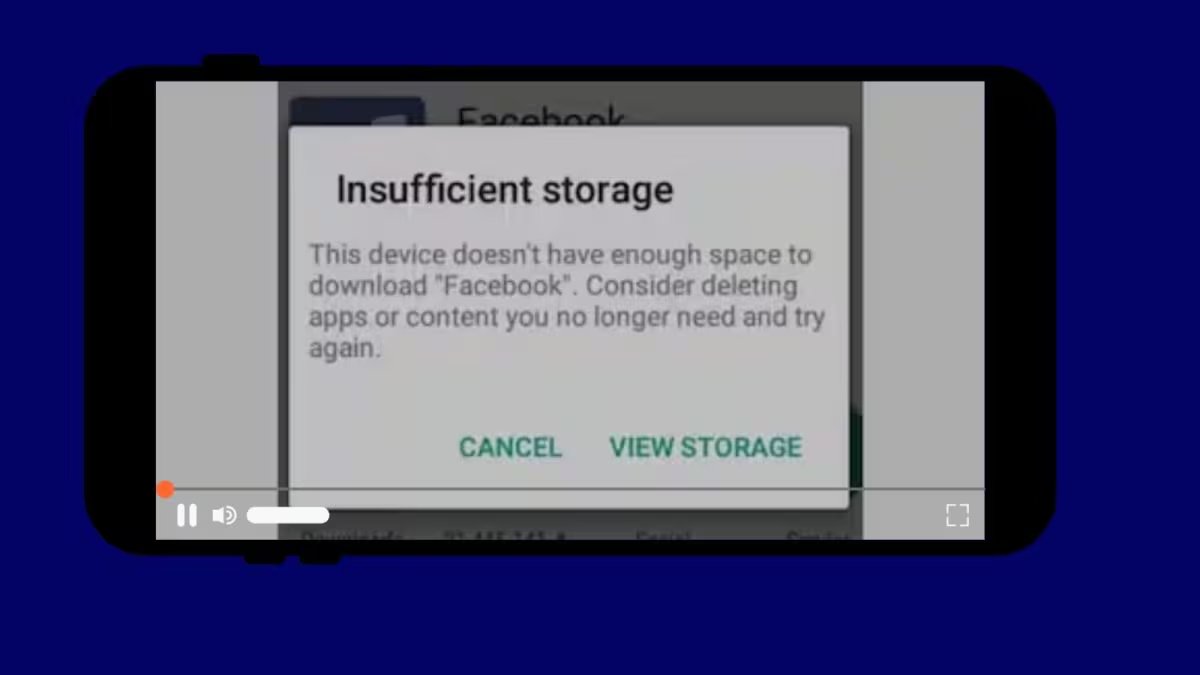
Despite the phone showing empty storage, are you getting the message ‘Storage Full’ while installing an app or saving a photo? The reason for this problem could be cache files, hidden files, data of apps or system storage. Learn easy ways to fix storage problems in Android phones and what things should be kept in mind while clearing the cache.


This problem is common with many people. When you check the storage in the phone’s settings, you see free space, but while installing an app or saving a photo, the message ‘Storage Full’ appears. This problem seems strange, but there are some simple reasons behind it. Let’s understand why this happens and how to fix it.
Storage in the phone works in two ways. One is the total free space and the other is the space reserved for the system or apps. Sometimes cache files, temporary files or hidden files accumulate so much that the system thinks there is no space left.
Apps like WhatsApp, Instagram, Google Chrome and Gallery create a lot of cache. This cache looks small but takes up space. Old files, downloads or thumbnails in the download folder also increase the problem.
Add News18 as
Preferred Source on Google
Many times the space in system storage or other partitions gets filled up while user storage appears empty. There are many files hidden in ‘Other’ or ‘System’ category in Android. During app updates, temporary files are created which are not deleted. Sometimes the phone gives wrong reports due to corrupted files or wrong indexing.
There are easy ways to fix this problem. First of all, go to Settings and open the storage option and see which app has taken up the most space. Then clear the cache of the apps. Go to Settings > Apps > any app and tap Storage > Clear cache. Be careful not to press Clear Data, otherwise login and settings will be erased. Be sure to clear the cache of WhatsApp, Chrome, YouTube, Instagram and Gallery.
Another way is to check the download folder and recent files. Open the Downloads, Bluetooth and WhatsApp media folders from the file manager app and delete unnecessary files. Delete old voice notes, statuses and videos. You can delete media from the phone by taking a backup in Google Photos or any cloud.
Restart the phone. Restarting several times clears the temporary files and solves the problem. If the message still comes, uninstall unused apps. Try removing major apps like games or editing tools. In phones with SD cards, move the media to the card.
If nothing works, look for the option to clear ‘Other’ or ‘Cached data’ storage in Settings. As a last option, you can backup the phone and do a factory reset, but do this only if all else fails.
If you adopt these small habits, problems will reduce. Clear cache regularly, delete unnecessary files and monitor storage. The problem of showing “Storage Full” despite there being free space in the phone is mostly due to cache and hidden files. After cleaning properly, the phone starts working properly again and new files can be saved easily. This problem can be solved with a little cleaning.