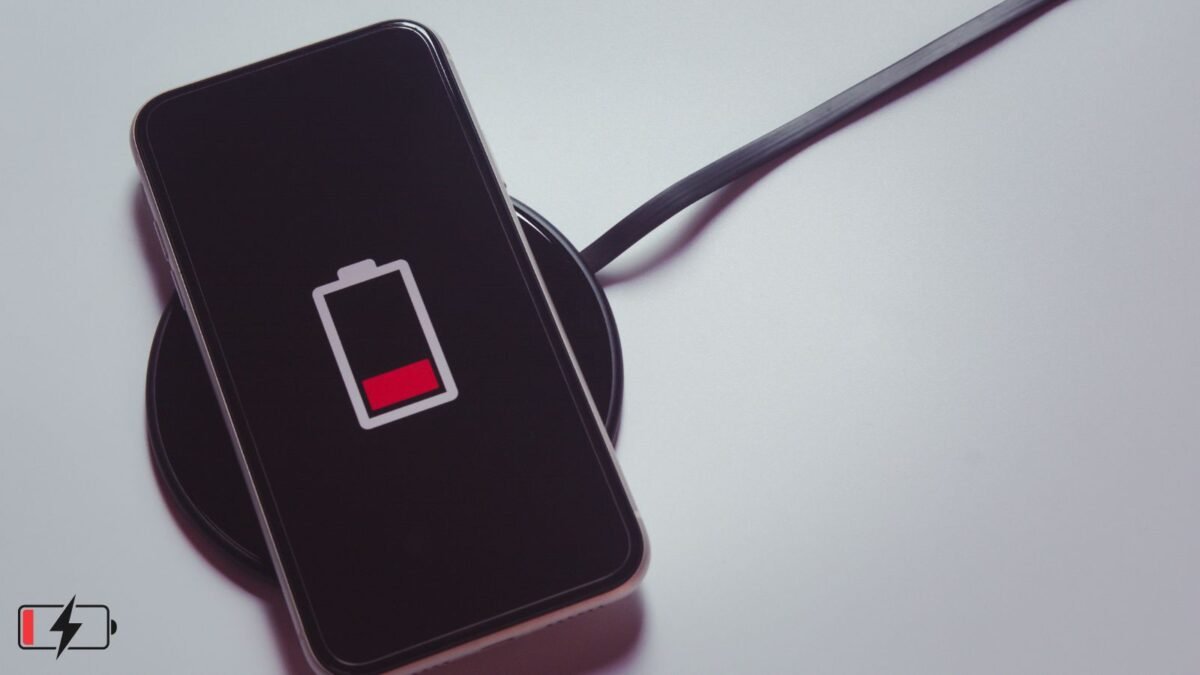
Many people complain that after using the phone for some time, the battery goes down. It immediately comes to mind that the phone has become old, the battery has gone bad. But in most of the cases old age of the phone is not the real reason. Actually, we ourselves are making some mistakes due to which the battery drains very fast. With a little understanding, these mistakes can be rectified and the battery starts working well again.



Background Apps: The biggest mistake is to keep apps running in the background. Apps like Instagram, Facebook, WhatsApp, YouTube keep lagging behind even after closing them. They consume data, check location and keep draining the battery secretly.
It is important to go to Settings and check battery usage, force stop any app that is consuming too much battery or stop it from running in the background.
Brightness: Another common mistake is screen brightness. Many people always keep the brightness at full. Be it day or night, the screen keeps shining. This drains the battery the fastest. Keep auto brightness on. Reduce as per need. Turn on dark mode also. Black theme consumes less power on the screen.
Location: Location services also quietly eat battery. Since GPS is always on, the phone keeps searching for satellite continuously. Go to Settings and allow location only when using the app. Do not keep it always on. It is better to turn off Bluetooth and Wi-Fi if not needed.
Signal: Even when the network signal is weak, the battery drains quickly. The phone keeps searching for the tower again and again. In areas with low signal, you should try turning airplane mode on and off for a while. Sometimes this is better. There is no need to keep 5G always on. Where 4G is working fine, you can turn off 5G.
Notification: Flood of notifications is also a big problem. The screen lights up on every news on every app. Turn off unnecessary notifications. Keep permissions only for essential apps. Widgets and live wallpapers also suck battery. Easily apply wallpapers and remove unnecessary widgets.
Update: Not updating software is also a mistake. Old apps and systems contain bugs that waste battery. Keep checking for updates in Play Store and phone settings. Clearing the cache is also important. Go to Settings and Storage and clear the cache.
Heat: Some people keep playing games or watching videos while charging the phone. This heats up the phone and damages the battery. Give rest to the phone while charging. Overheating spoils the health of the battery.
All these small mistakes together drain the battery quickly. Whether the phone is new or old, if you change these habits, the difference will be clearly visible. Battery saver mode should be used when necessary. Set the screen timeout to 30 seconds so that the screen turns off quickly.
In the end, it is right to say that draining the battery quickly is not always a sign of an old phone. Most of the times our own habits and wrong settings are responsible for this.
If you follow the things mentioned above, the battery will not decrease so fast even after driving for a short time. The life of the phone will also increase and there will be no need to search for a charger again and again. Small improvements make a big difference.